
Description
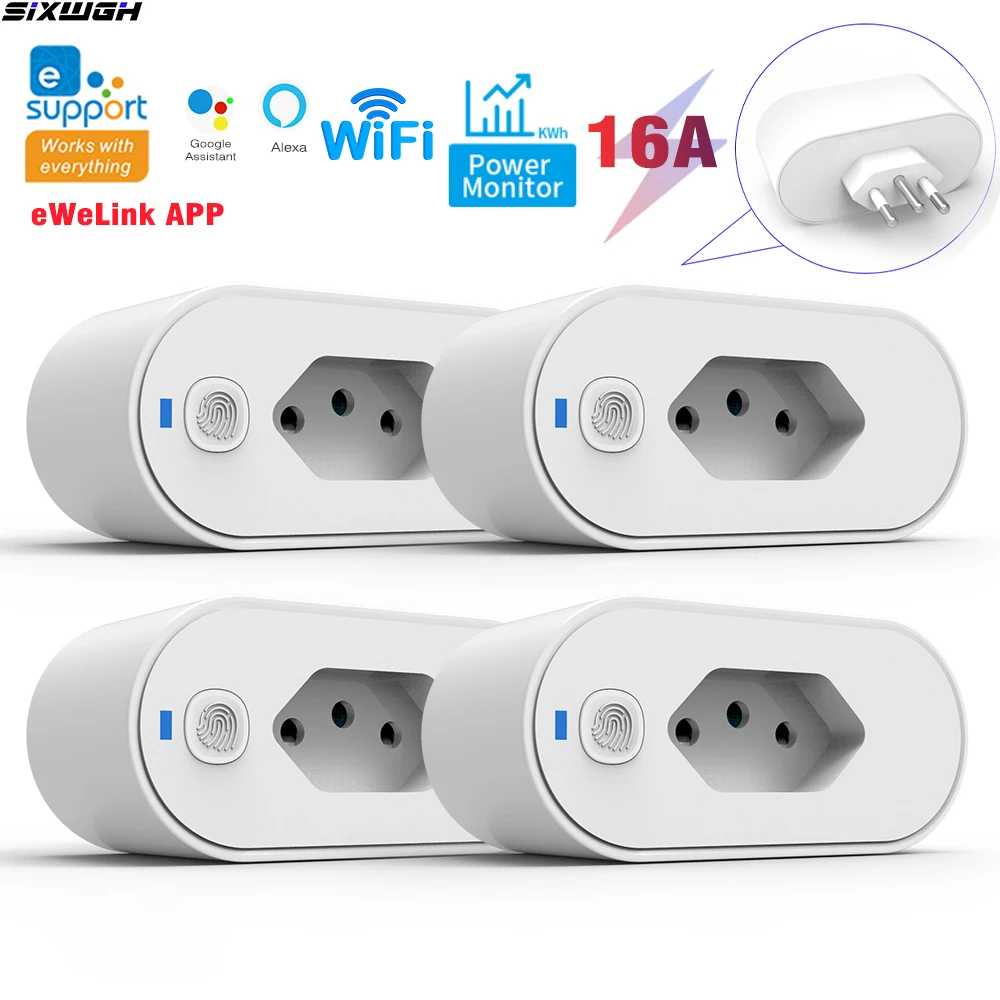
✅Product parameters:
✅Brazilian standard plug parameters :
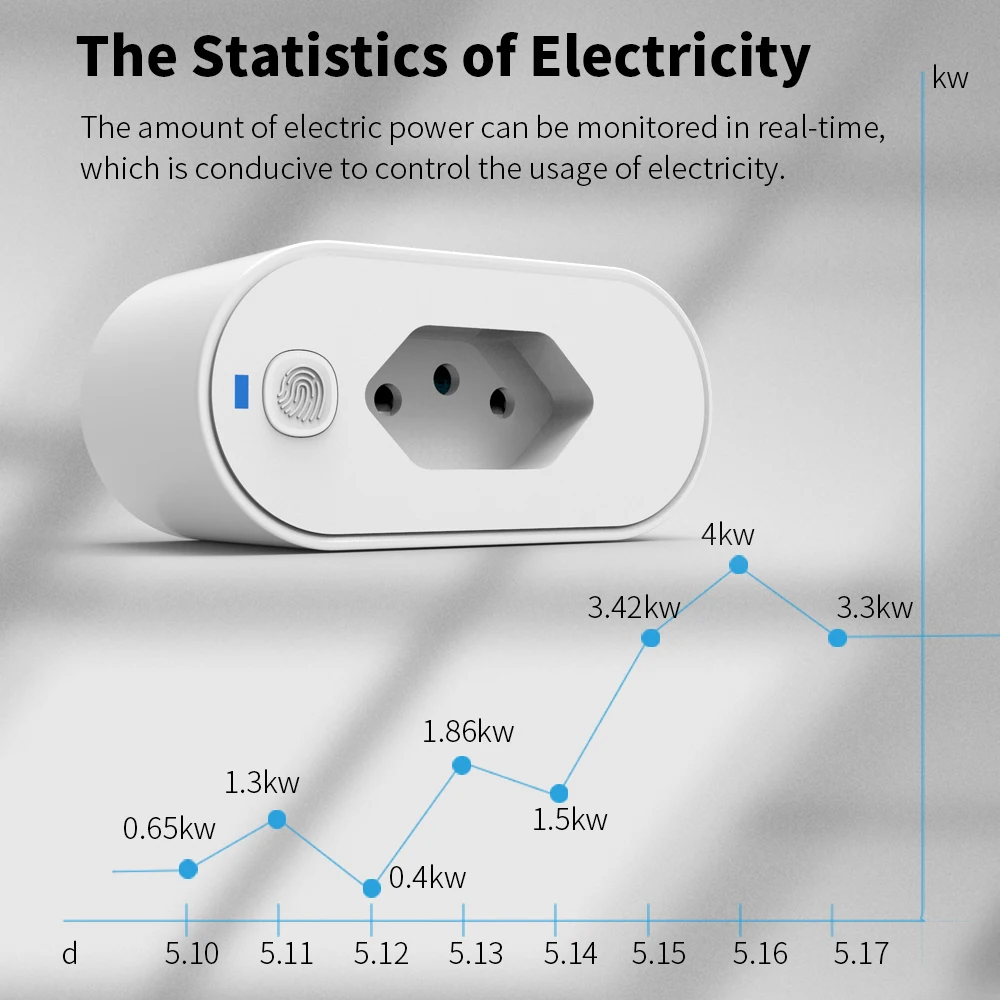
It does have power statistics function
Working voltage: AC100~240V, 50/60Hz
Maximum current: 16A
Remote control frequency: 2.4GHz
support App: Works with eWeLink APP
Wifi: IEEE802.11 b/g/n 2.4G
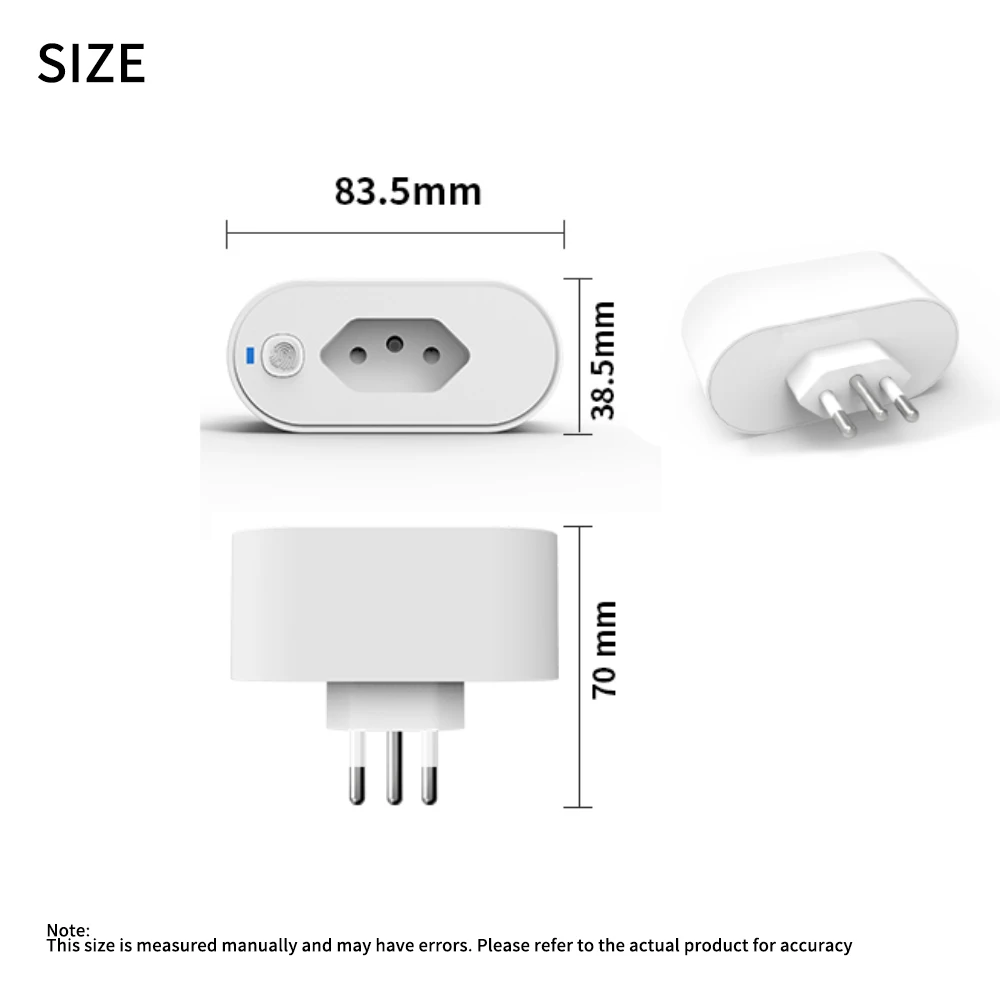
Socket size: 83x38x70mm
✅✅APP connection:
1. Turn on Bluetooth and 2.4G on your phone wifi
2. Press and hold the socket button for more than 5 seconds, the indicator light will flash quickly twice and remain on once to enter the distribution mode,
3. Open the app, click on the bottom, select "Bluetooth network distribution", click "Next", and the app will automatically scan for devices.
4. Click on the scanned device, and then select the device connected to the phone WiFi Confirm that the relevant information is correct, click 'Save', and wait for the device to be connected.
5. The device has been successfully added. You can modify the device name and click 'Add Complete'.
✅✅If the indicator light flashes slowly, you need to select compatibility mode to connect to the APP。
Alternatively, press and hold the socket button until the indicator light flashes twice and stops once, release it, and then connect to the app
✅Functional characteristics
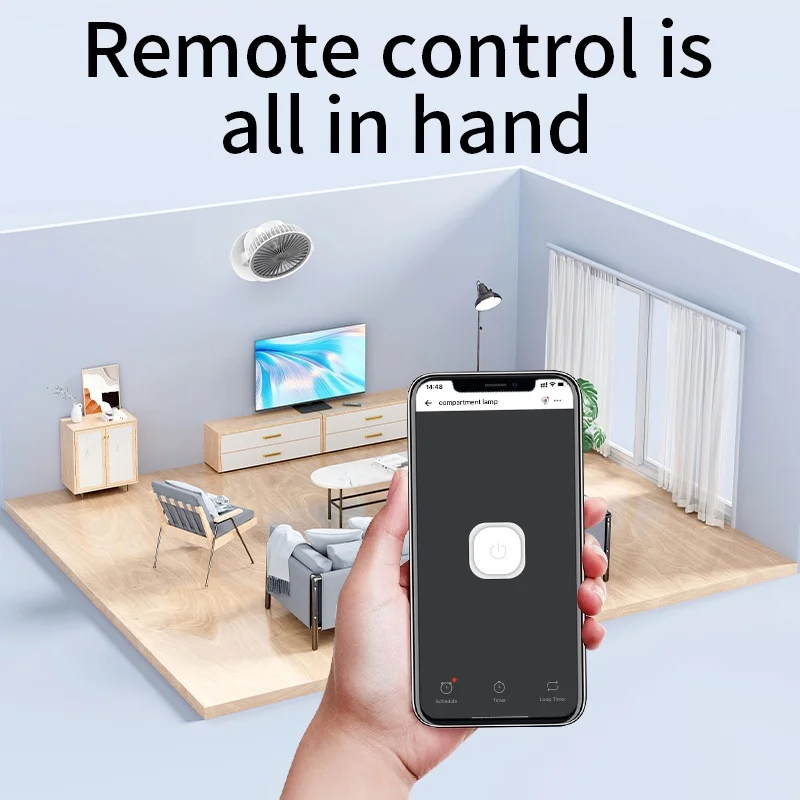
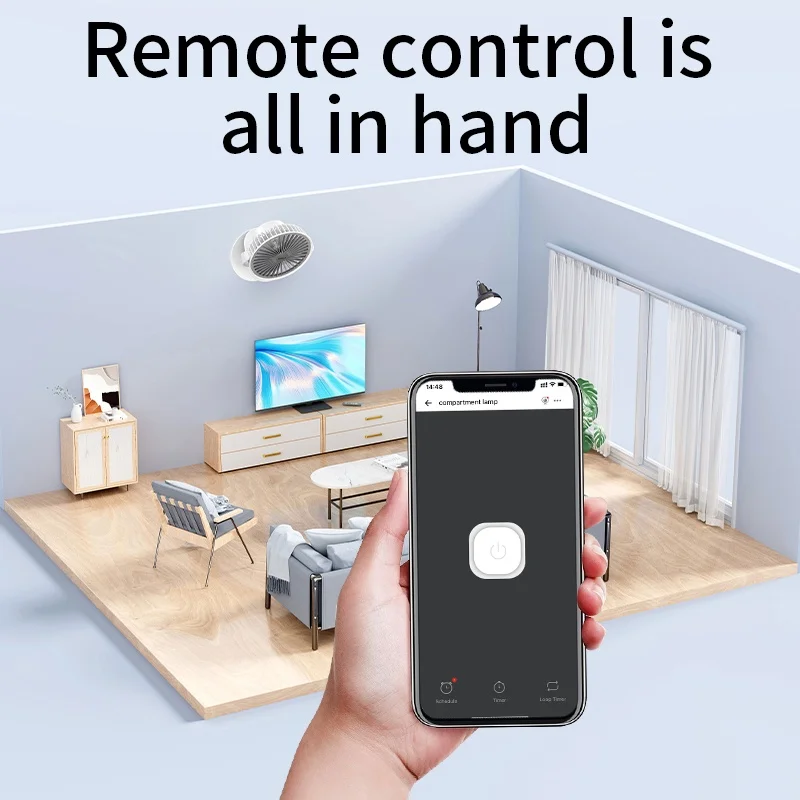
1. APP control: Control the device on/off by controlling the socket switch through the eWeLink app on the mobile phone
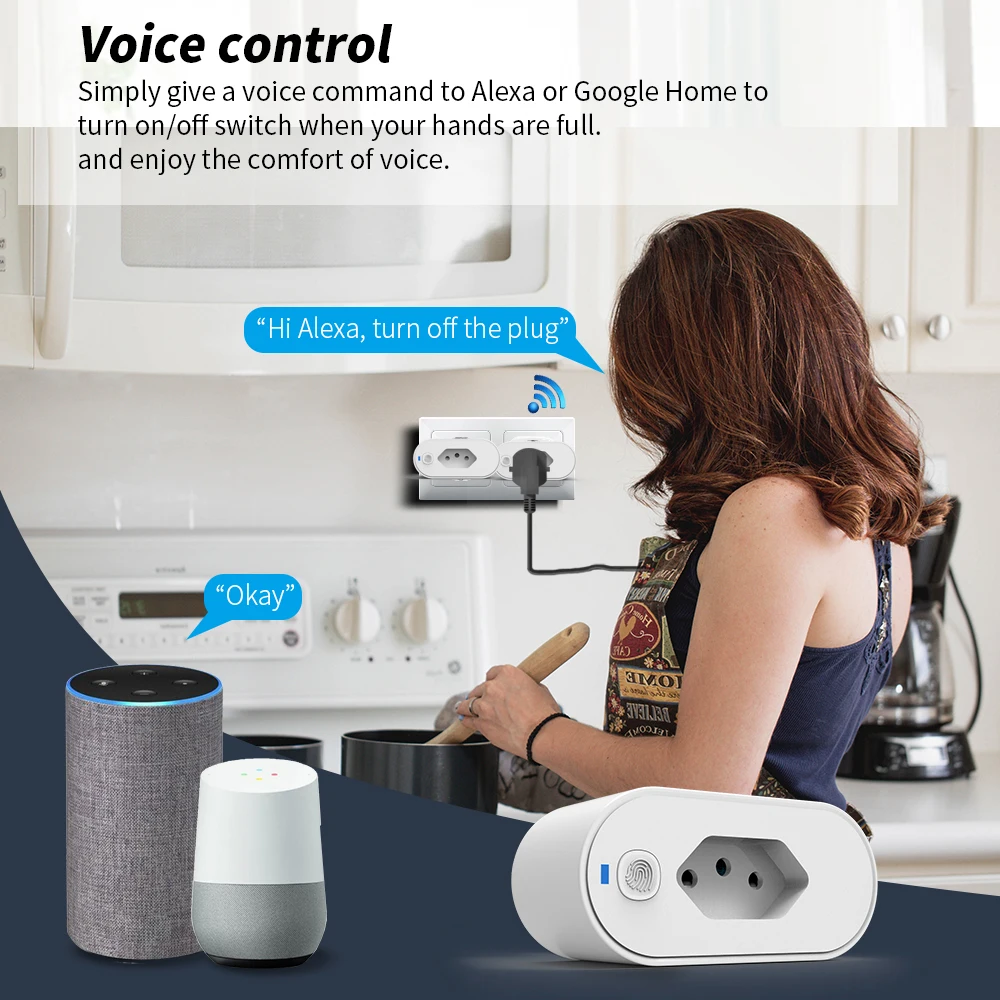
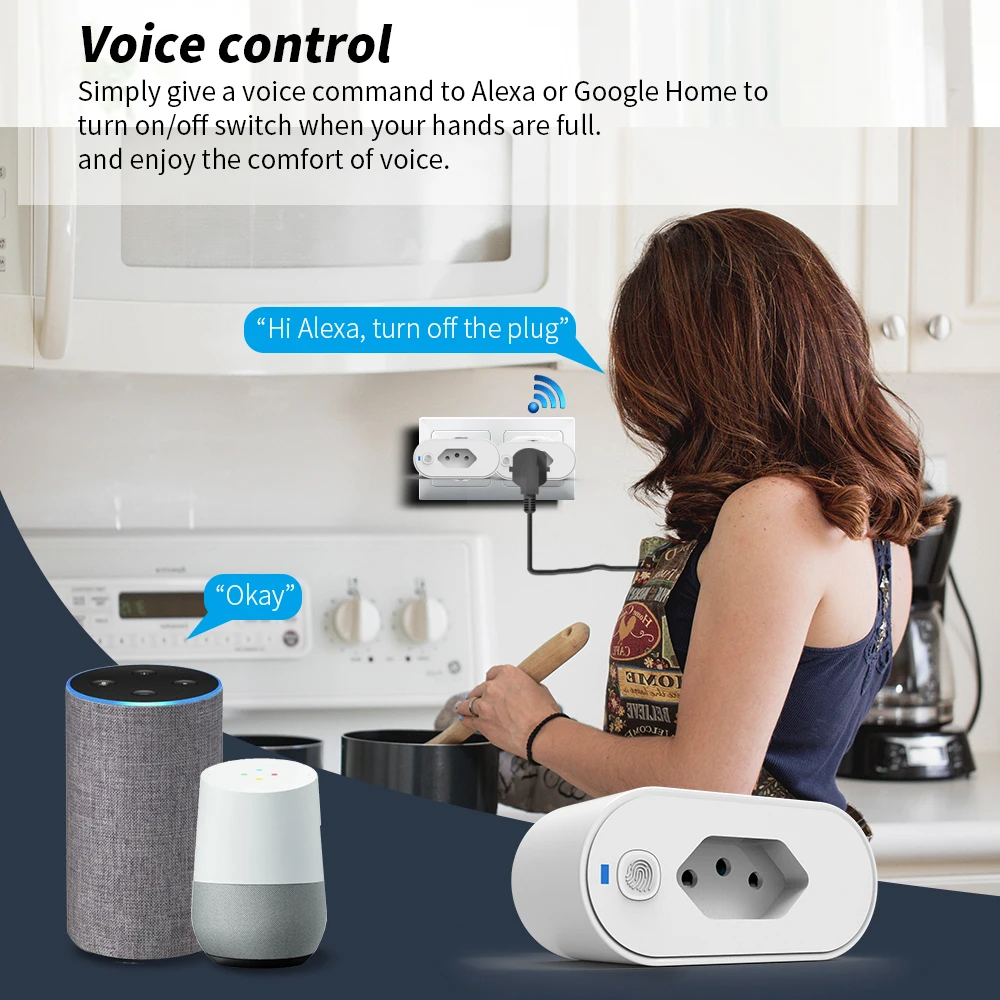
2. Support Google Home, Alexa speaker voice control
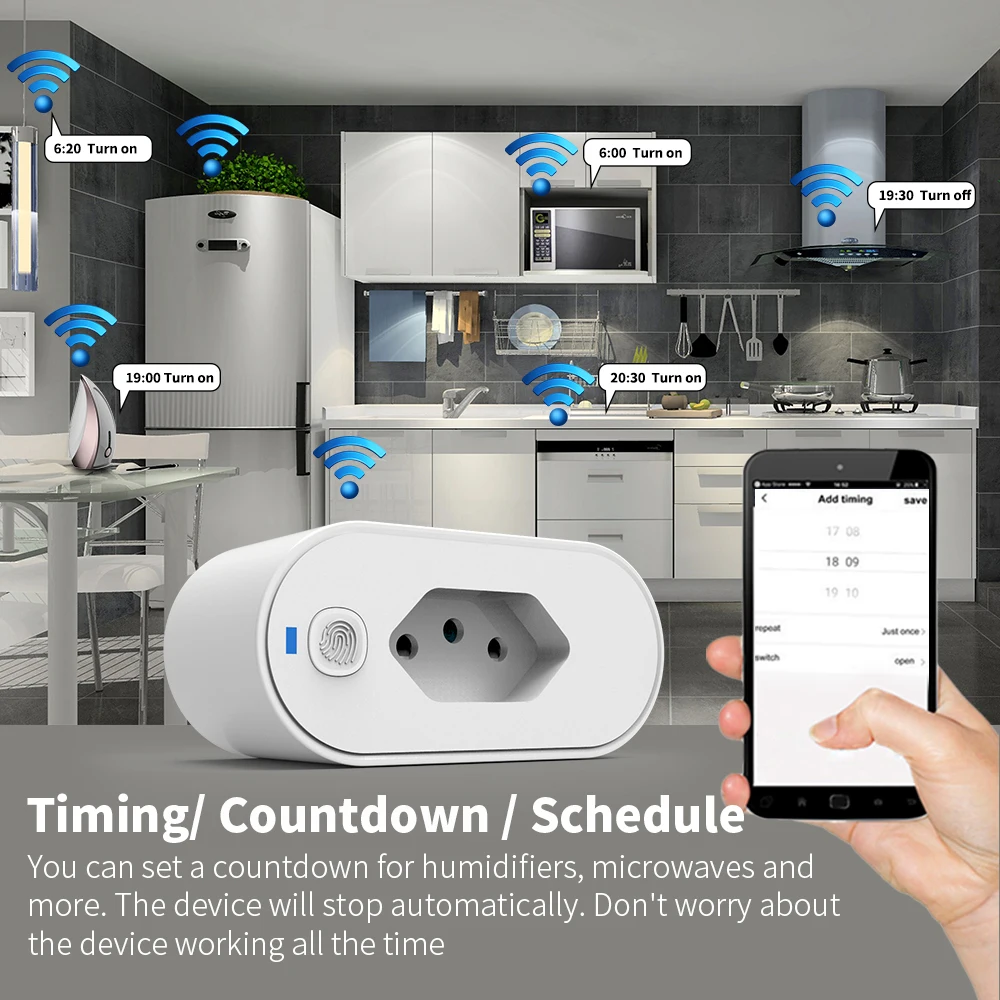
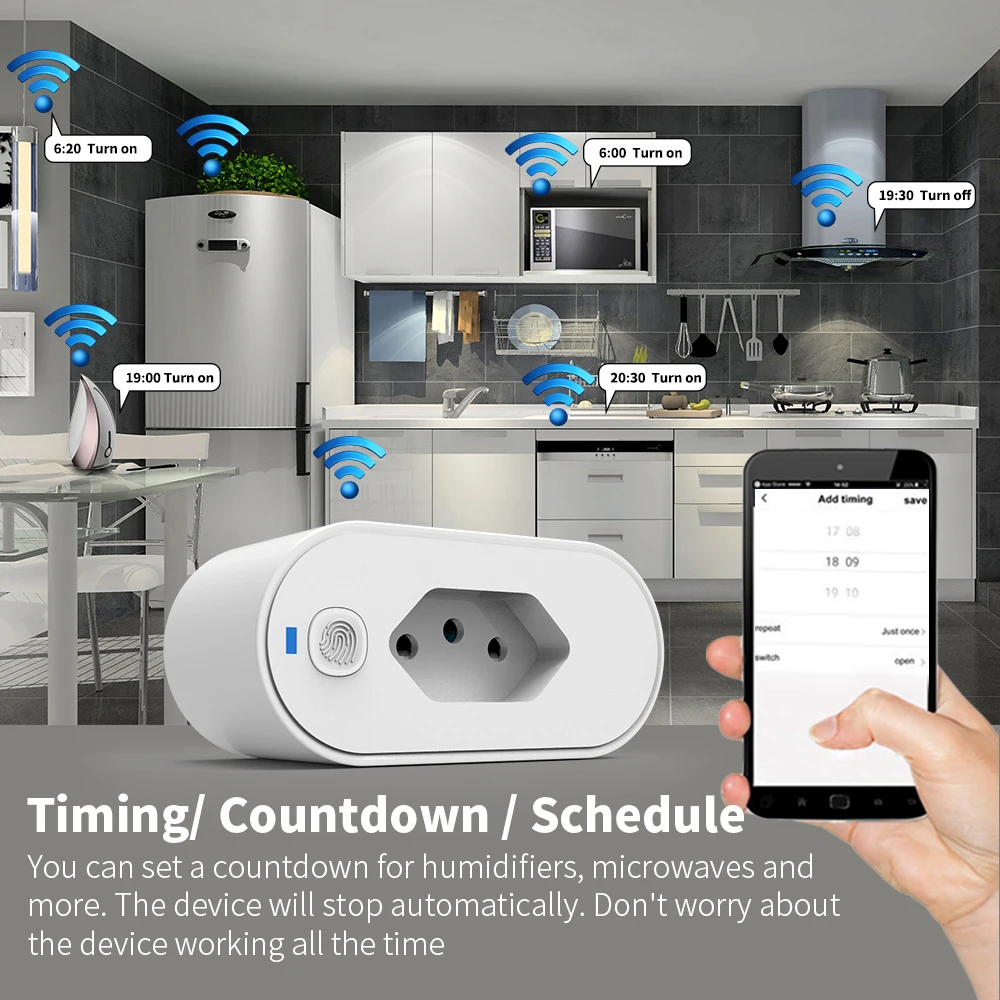
3. Timing countdown function: Set timing, countdown, and work schedule for socket devices through mobile app
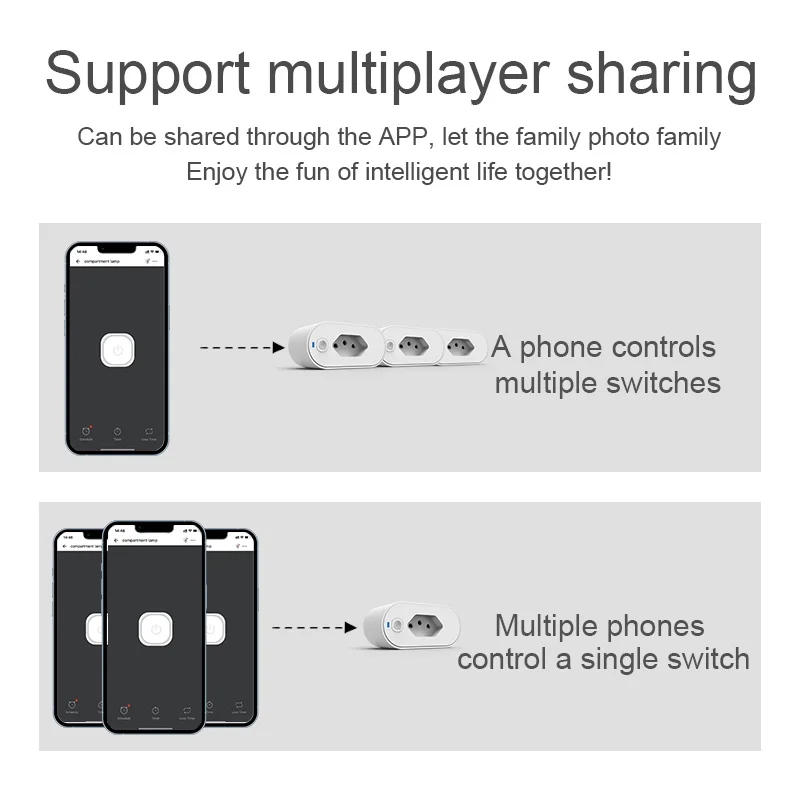
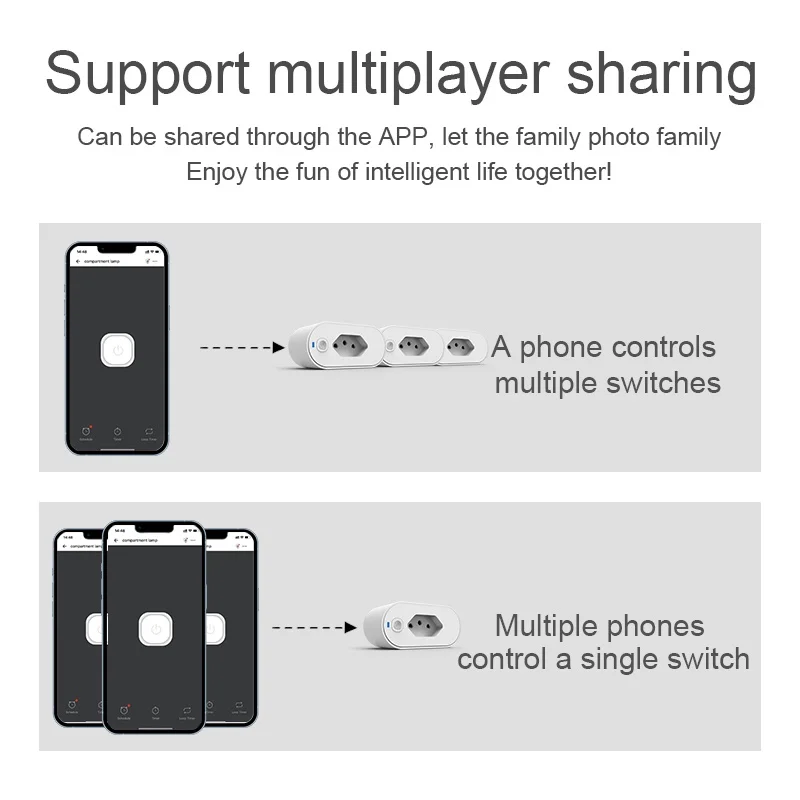
4. Sharing function: Share devices with family through the app




Reviews
There are no reviews yet.